On this page
Hi everyone 👋. I'm Hung Anh.
Doing the same task day after day can quickly become tedious and exhausting. This is exactly where automation comes to the rescue. It's time to reach for the CronJob - a specific task scheduled to run periodically. But to schedule a CronJob correctly, you need a clear understanding of the Cron Expression - the expression that defines the exact schedule for your automated tasks.
In this article, let's explore what a CronJob is, how to build a Cron Expression, and a few tools that make creating cron expressions much easier.
Let's get started.
1. What is a CronJob?

A CronJob is a task that runs automatically on a predefined schedule. Some typical use cases include:
- Database maintenance: Automatically back up, optimize, and clean up the database on a regular basis.
- Data synchronization: Schedule data syncs between different systems.
- Sending notifications: Automatically send alerts, reports, or periodic emails.
- System monitoring: Check the system's health at fixed intervals.
- Task automation: Help developers automate features and business logic at specific times of day.
There are many different ways to schedule and run CronJobs, depending on the operating system, programming language, tools, and libraries you use. What they all have in common is the use of a cron expression. So what exactly is a cron expression, and how do you use it effectively?
2. Cron Expression
A cron expression is a special string used to define when and how often a CronJob runs. It is the core component for scheduling automated tasks across many systems. Let's take a look at the structure of a cron expression along with some real-world examples.
2.1. Structure of a cron expression
A cron expression consists of 5 to 7 fields, depending on the system you're using. Each field represents a unit of time, ordered from the smallest (second) to the largest (year, when present). The fields are separated by spaces and can contain any allowed value.
The structure of a cron expression is as follows:
[second] [minute] [hour] [day-of-month] [month] [day-of-week] [year]
Where:
- Second: The S-th second (S ∈ [0, 59])
- Minute: The M-th minute (M ∈ [0, 59])
- Hour: At hour H (H ∈ [0, 23])
- Day-of-month: Day D of the month (D ∈ [1, 31])
- Month: Month M
- M ∈ [1, 12]
- M ∈ [JAN, DEC] (JAN, FEB, MAR, APR, MAY, JUN, JUL, AUG, SEP, OCT, NOV, DEC)
- Day-of-week: Day T of the week
- T ∈ [0, 7] (0 and 7 both represent Sunday)
- T ∈ [SUN, SAT] (SUN, MON, TUE, WED, THU, FRI, SAT)
- Year: Year Y
- Y can be left empty
- Y ∈ [1970, 2099]
2.2. Special characters
A cron expression isn't limited to simple numeric and alphabetic values; it also provides a set of special characters that add flexibility when scheduling against specific requirements. Understanding these characters and using them effectively lets you build complex schedules that cover everything from simple to advanced needs in managing recurring tasks.
Below is a list of the common special characters in cron expressions and how to use them:
* (all): Represents "every" value of a time unit. For example,*in the[minute]field means "every minute".- (range): Specifies a range of values. For example,2-11in the[hour]field means "from 2 AM to 11 AM"., (values): Allows you to specify multiple values. For example,MON, WED, FRIin the[day-of-week]field means "Monday, Wednesday, and Friday"./ (increments): Defines the step between values within a range. For example,5/15in the[minute]field means "minute 5, 20, 35, and 50 of every hour".#: Used only in the[day-of-week]field to specify the n-th occurrence of a given weekday in the month. For example,6#4means run on the 4th Saturday of the month. If that month has only 3 Saturdays, the CronJob won't run.L (last): Used only in the[day-of-month]and[day-of-week]fields to specify the last day of the week or month. For example:- L: The last day of the week or month.
- L-3 in the [day-of-month] field: The 3rd day from the end of the month.
- 5L in the [day-of-week] field: The last Friday of the month.
W (weekday): Used only in the[day-of-month]field to specify the nearest weekday (Monday-Friday) to the configured day. For example:- 10: Run on the 10th of every month.
- 10W: Run on the weekday nearest to the 10th of every month.
- If the 10th falls on a Monday through Friday ⇒ the CronJob runs on the 10th.
- If the 10th falls on a Saturday ⇒ the CronJob runs on the 9th (Friday is the nearest weekday).
- If the 10th falls on a Sunday ⇒ the CronJob runs on the 11th (the following Monday is the nearest weekday).
? (any): Used only in the[day-of-month]and[day-of-week]fields to ignore one of those fields. For example:- 0 0 0 15 5 ?: The CronJob runs on May 15 at 00:00:00 regardless of the day of the week.
- 0 0 0 ? 5 5: The CronJob runs on every Friday in May at 00:00:00 regardless of the day of the month.
The table below summarizes the allowed values and meaning of each field, making it easier to follow and apply them in your cron expressions.
| Name | Value | Meaning | Required |
|---|---|---|---|
| second | 0 - 59 , - * / | The S-th second | No |
| minute | 0 - 59 , - * / | The M-th minute | Yes |
| hour | 0 - 23 , - * / | At hour H | Yes |
| day-of-month | 1 - 31 , - * ? / L W | Day D of the month | Yes |
| month | 0 - 11 JAN - DEC , - * / | Month M | Yes |
| day-of-week | 0 - 7 SUN - SAT , - * ? / L # | Day T of the week | Yes |
| year | empty 1970 - 2099 , - * / | Year Y | No |
2.3. Some cron expression examples
To make cron expressions easier to picture, here are some practical examples. These should help you visualize how to apply cron in real life, from scheduling daily tasks to handling more complex requirements.
* * * * * ?: Every second, every minute, every hour, every day, every month, any day of the week.0 0 0 * * ?: Every day at 00:00:00 (midnight).0/30 * * * * ?: Every 30 seconds, every minute, every hour, every day, every month.0 0 12 ? * MON-FRI: Every weekday from Monday to Friday at 12:00 (noon).0 0 0 1 * ?: At 00:00 (midnight) on the first day of every month.0 0 0 15 3 ?: At 00:00 (midnight) on March 15 every year.0 0 0 1 1 ?: At 00:00 (midnight) on January 1 every year (New Year's Day).0 15 10 ? * *: At 10:15 every day.0 0 12 ? * SUN: At 12:00 (noon) every Sunday.0 0/5 * * * ?: Every 5 minutes, starting at minute 0 of every hour.0 0 0-6 * * ?: Every hour from 00:00 to 06:00 every day.0 0 6,18 * * ?: At 06:00 and 18:00 every day.0 0 0 ? * MON#1: At 00:00 (midnight) on the first Monday of the month.0 0 0 ? * 2#2: At 00:00 (midnight) on the second Tuesday of the month.0 0 0 1 * ? 2024: At 00:00 (midnight) on the first day of every month in 2024.0 0 0 1 1 ? 2024: At 00:00 (midnight) on January 1, 2024.0 0-5/2 * * * ?: Run the job at hh:00:00, hh:02:00, and hh:04:00 of every hour.0 0 0 1-5 * * ?: At 00:00 (midnight) on the 1st through the 5th of every month.0 0 10 ? * MON-FRI: At 10:00 every day from Monday to Friday.0 0 12 ? * 1#3: At 12:00 (noon) on the third Monday of the month.0 0 0 10W * *: At 00:00:00 on the weekday nearest to the 10th of every month.
3. Cron Expression Tools
In this section, I'll introduce a few tools that help you create and validate cron expressions. These tools make it easy to build accurate cron expressions without having to memorize all the complex syntax. With their help, creating and testing cron expressions becomes simpler and faster than ever.
3.1. Crontab.guru
Crontab.guru is a free online tool that lets users create, validate, and explain cron expressions quickly. With a simple, easy-to-use interface, it's especially helpful for developers, system administrators, or anyone who needs to work with cron expressions on Unix/Linux systems or cron-based services.
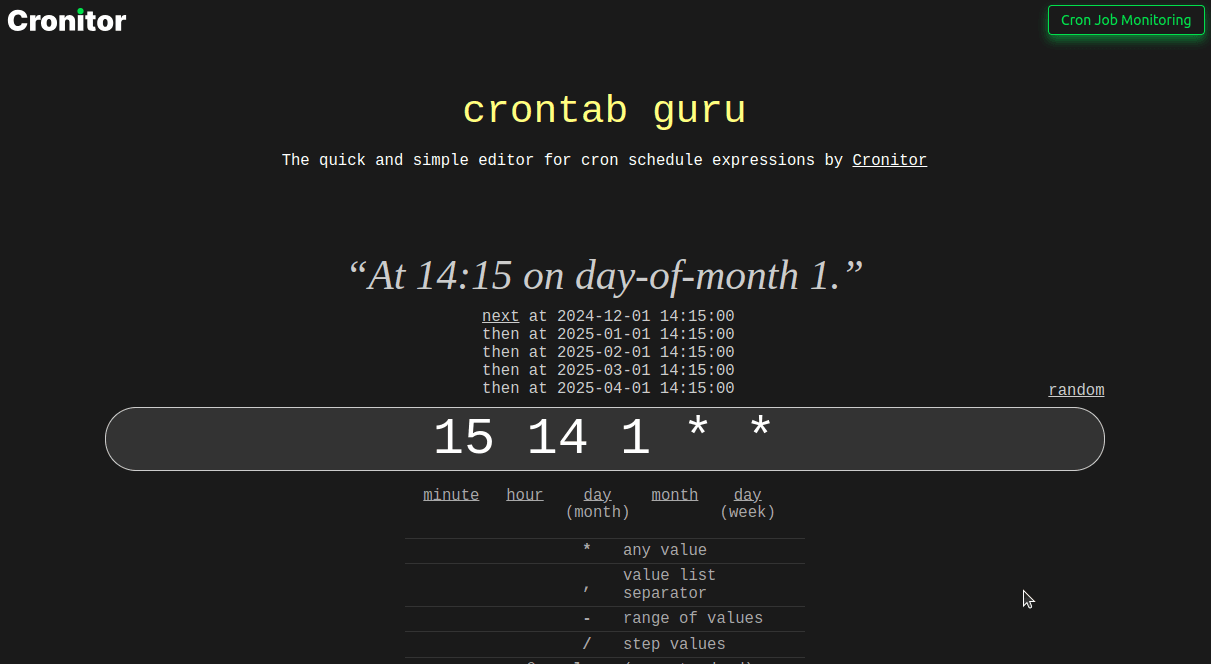
Some advantages of Crontab.guru include:
- A simple, intuitive interface.
- Detailed explanations of cron expressions.
- A schedule preview showing when the CronJob will run.
- Cron syntax guidance.
- Compatibility with Unix/Linux Crontab.
- Completely free.
Crontab.guru only supports the traditional cron syntax, so it can't be used for other variants like Quartz cron, which is commonly used in Java. This is worth keeping in mind if you work with systems that use extended cron syntax.
3.2. CronMaker
CronMaker is a free online tool that helps users create cron expressions accurately and quickly. It's compatible with many systems, including Unix/Linux, the Spring Scheduler in Java, and automation services like Quartz Scheduler. With a friendly interface and intuitive features, CronMaker simplifies setting up complex task schedules, making it a favorite among many developers.
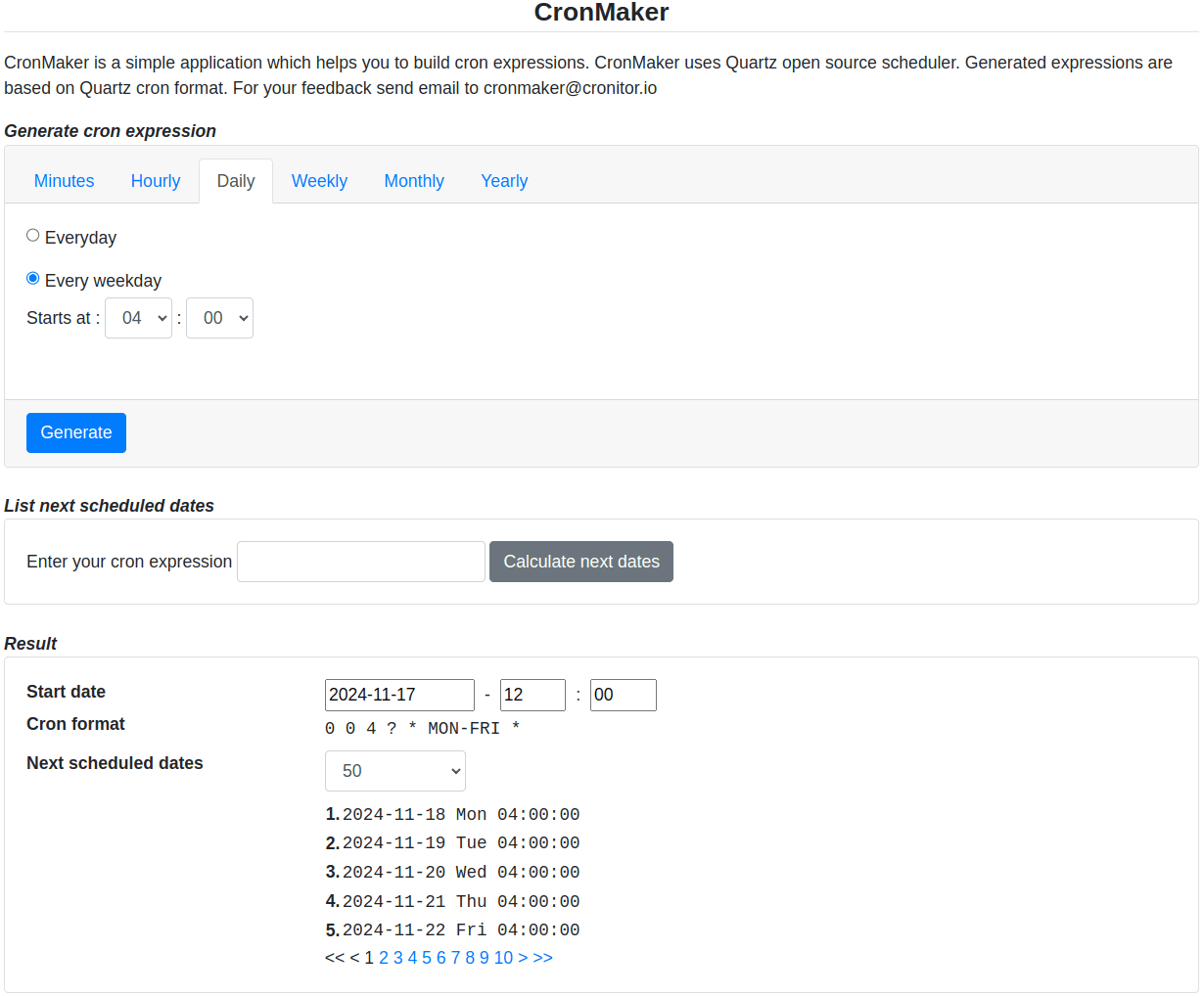
Key features of CronMaker:
- A simple, intuitive interface.
- Easy cron expression creation.
- Schedule validation and simulation.
- Quartz Scheduler support.
Conclusion
Thanks for sticking with me to the end of this article! I hope these notes on CronJob and Cron Expression help you understand them better and apply them confidently in your own projects. If you have any questions, feedback, or anything you'd like to share, don't hesitate to leave a comment below. Happy learning, and don't forget to follow along for upcoming articles, where we'll continue exploring many more interesting topics.
Happy reading! 🍻
References
- Cron expressions | Baeldung
- What is cron job | Monovm
- Difference between cron, crontab and cronjob | Stackoverflow

Related articles
Kubernetes Cluster Architecture
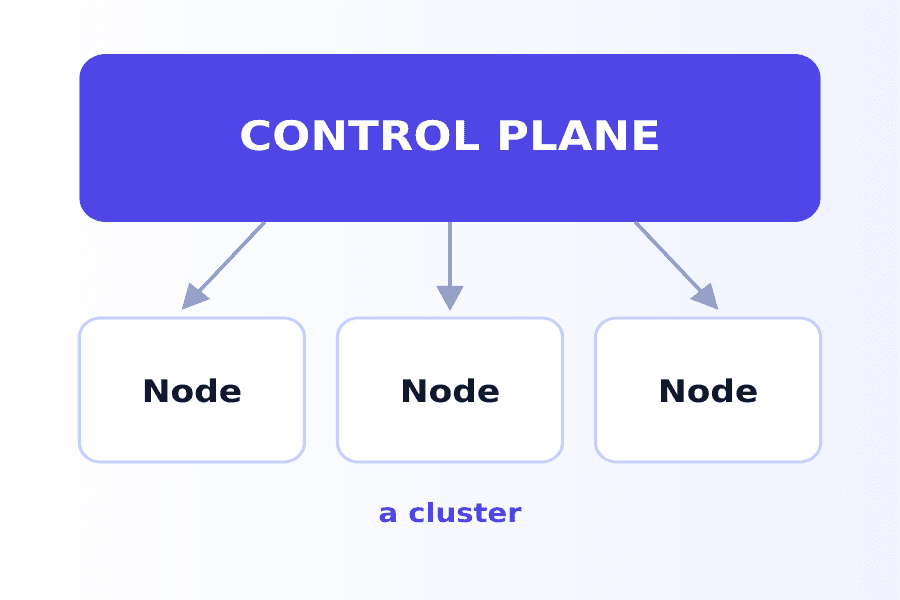
What actually makes up a Kubernetes cluster? The control plane decides what runs where, the nodes run it, and the addons fill in the rest.
Container
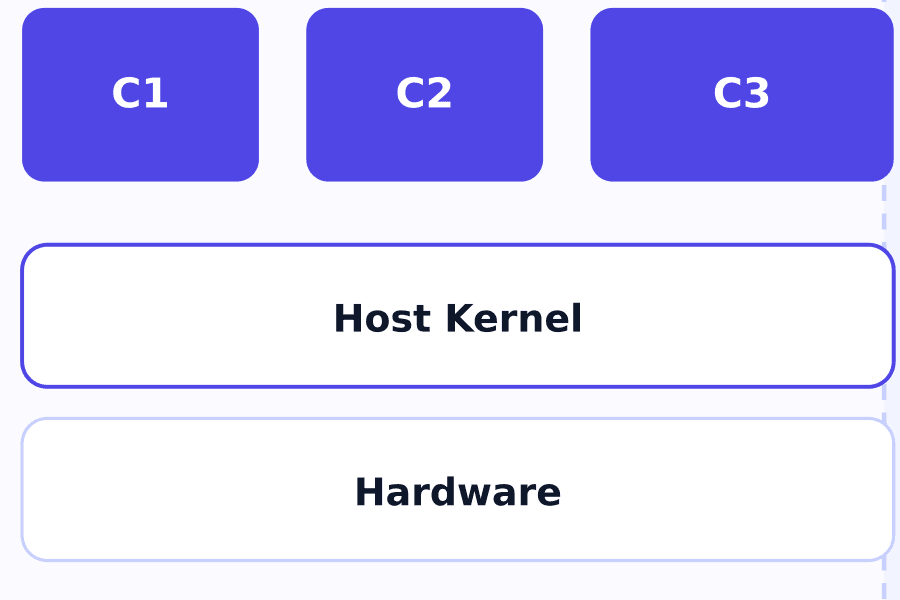
The container solves the Virtual Machine's weight and boot-time problem by dropping the private kernel every VM has to carry around.
Virtual Machine
How does the Virtual Machine solve the physical server's "one machine, one environment" problem, and what does this approach cost you?