Hi everyone 👋, I'm Hung Anh.
This is the second article in the Kubernetes Fundamentals series. In the previous article, we went through what a kernel, a driver, and a sandbox actually are in Linux. This time, let's dig into what a physical server actually looks like, and why we can't just keep deploying more onto the same one.
Let's get started.
1. What Is a Physical Server?
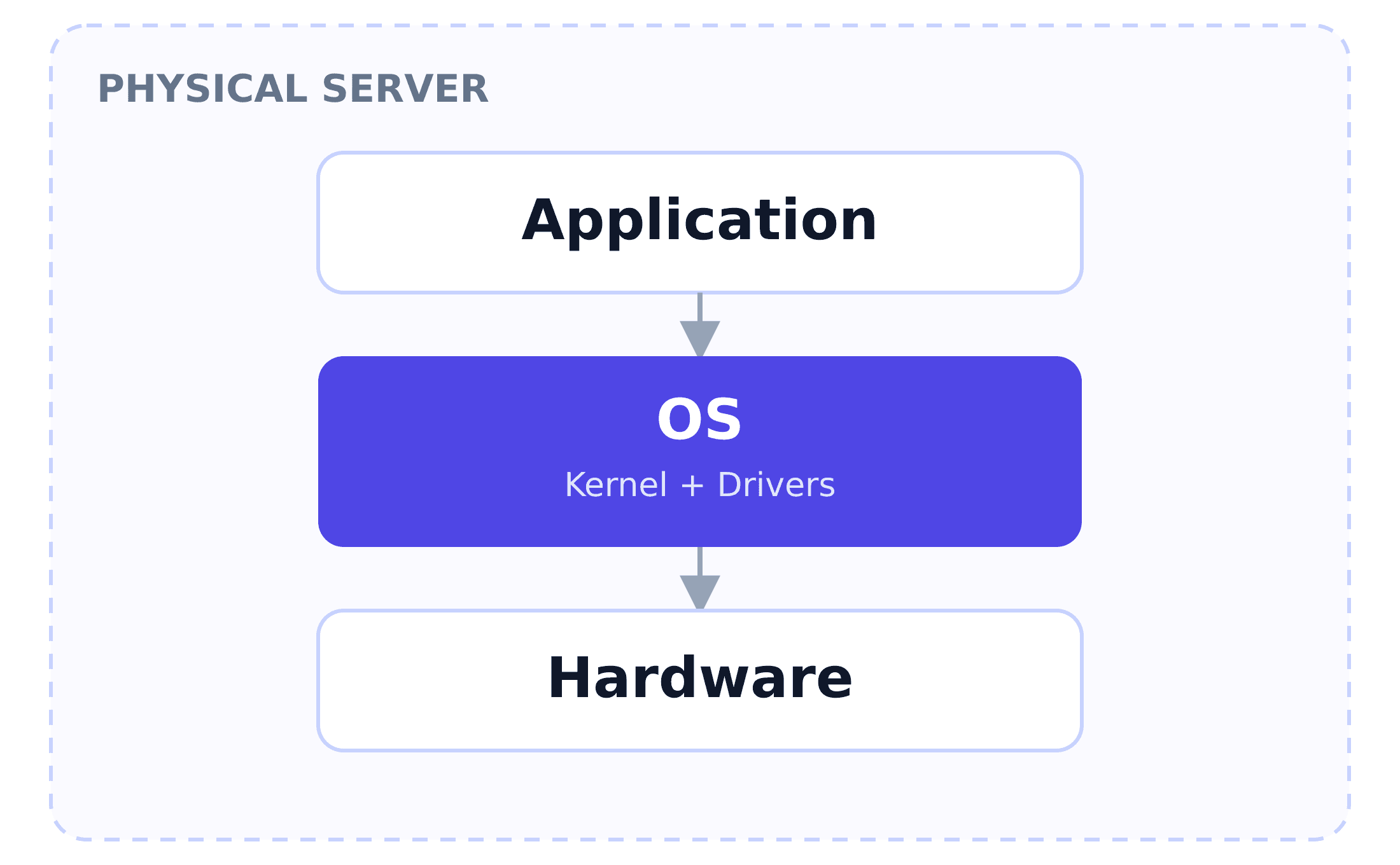
A physical server is just a real computer — an actual box sitting in a datacenter, or it might even be a laptop. Its components:
- Hardware: The CPU, RAM, disk, and network card.
- Kernel: The only thing allowed to communicate directly with that hardware.
- Drivers: Translate the kernel's generic commands into the commands each specific piece of hardware understands.
- OS (Operating System): Consists of the kernel plus everything shipped alongside it, such as a shell, a package manager, and system services.
- Application: The applications running on the server.
Everything on the server uses exactly one kernel, running on exactly one set of physical hardware.
2. The Limits of a Physical Server
Say you need to deploy a web application. The simplest path: rent or buy one physical machine, install an OS, deploy the app onto it. At first, that works fine, but it comes with a few downsides:
- Underutilized capacity: Studies of typical x86 servers have found average CPU utilization sitting around just 10-15%. The other 85-90% is capacity you already paid for, and it's simply not being used.
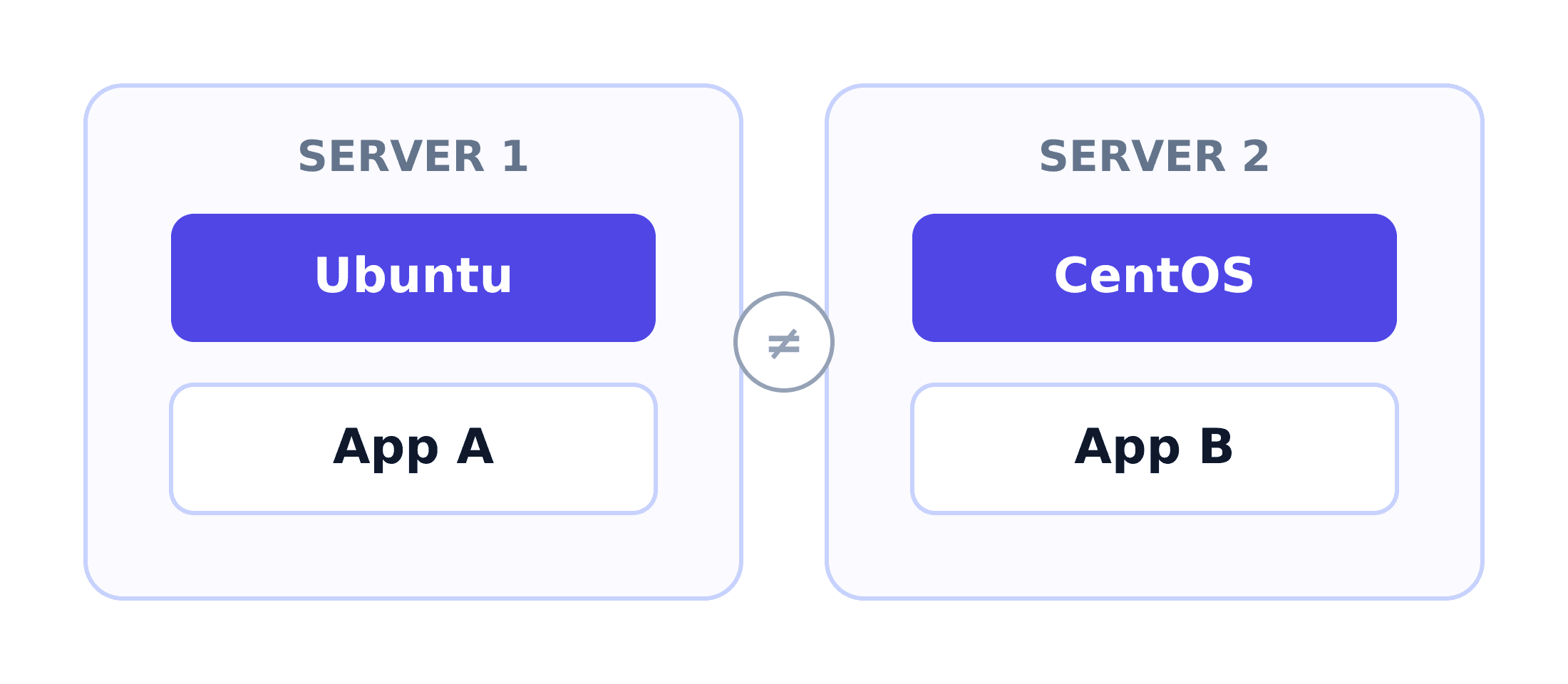
- One machine, one environment: Say a second app needs a different environment — a different OS version. The only option is another physical machine.
- Scaling is slow: Traffic spikes, you need more capacity — buying, racking, and cabling another physical machine takes days to weeks, not the minutes an actual spike gives you.
- All the apps can go down together: One machine, one point of failure. If the hardware dies, every app running on it goes down with it, at the same time.
3. Summary
A physical server is one kernel, one set of hardware, and whatever OS was installed on it. That's simple, but it has limits: most of its capacity sits idle and can't be shared, it can only run one OS/environment at a time, and scaling the system means physically buying and racking more hardware.
Is there a way for a single piece of physical hardware to run several different OSes at once and put the idle capacity to use? That's exactly the idea behind the Virtual Machine (VM) - the topic you and I will dig into in the next article.
Goodbye for now, and see you in the next one.
Happy reading! 🍵
References
- The history of virtualization and its mark on data center management - TechTarget
- What is Server Utilization Rate? A Guide to Data Center Efficiency - Hyperview
 Do Hung Anh@anhdh
Related articles
Kubernetes Cluster Architecture
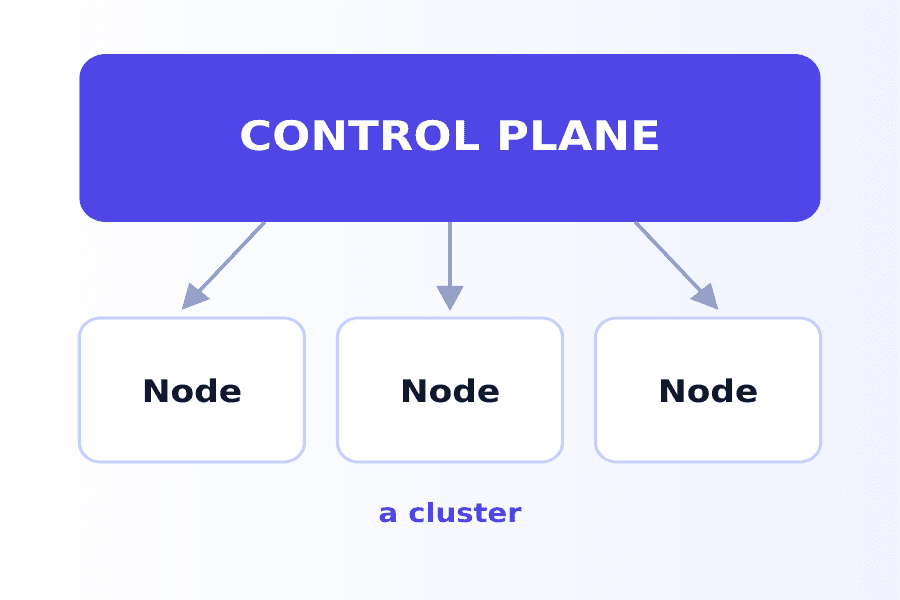
What actually makes up a Kubernetes cluster? The control plane decides what runs where, the nodes run it, and the addons fill in the rest.
Container
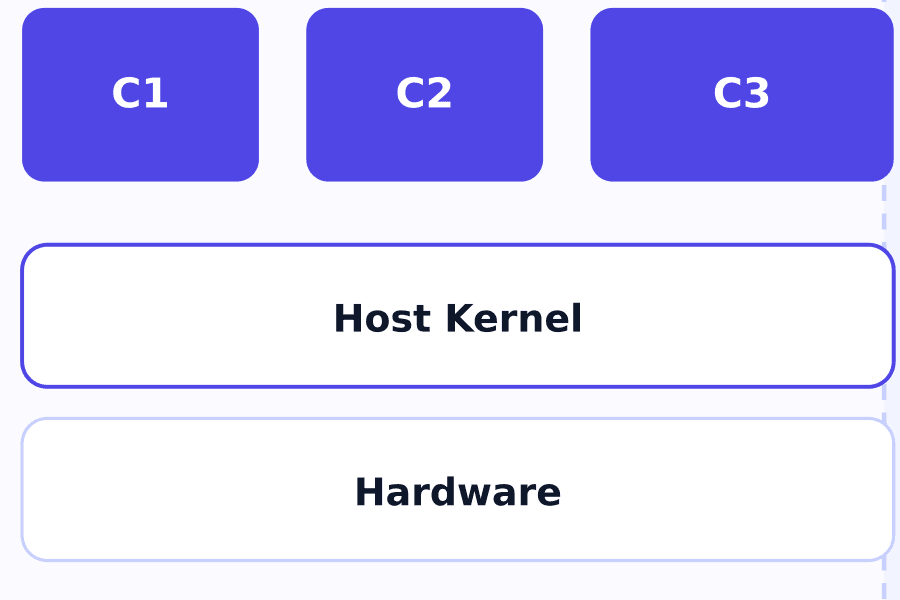
The container solves the Virtual Machine's weight and boot-time problem by dropping the private kernel every VM has to carry around.
Virtual Machine
How does the Virtual Machine solve the physical server's "one machine, one environment" problem, and what does this approach cost you?